A PORTRAIT THAT WORKS SMALL
How to Make a Historical Profile Picture From a Selfie
To make a historical-style profile picture from a selfie, start with a clear adult portrait, choose an available outfit and set a square 1:1 composition. Keep the face prominent, leave room around the headwear, then inspect the result inside a circular crop before sharing. HistoryOutfit offers 16 outfits across seven periods, including four Tang-inspired looks. Facial resemblance and historical accuracy can vary, so judge the finished image rather than relying on the prompt alone.
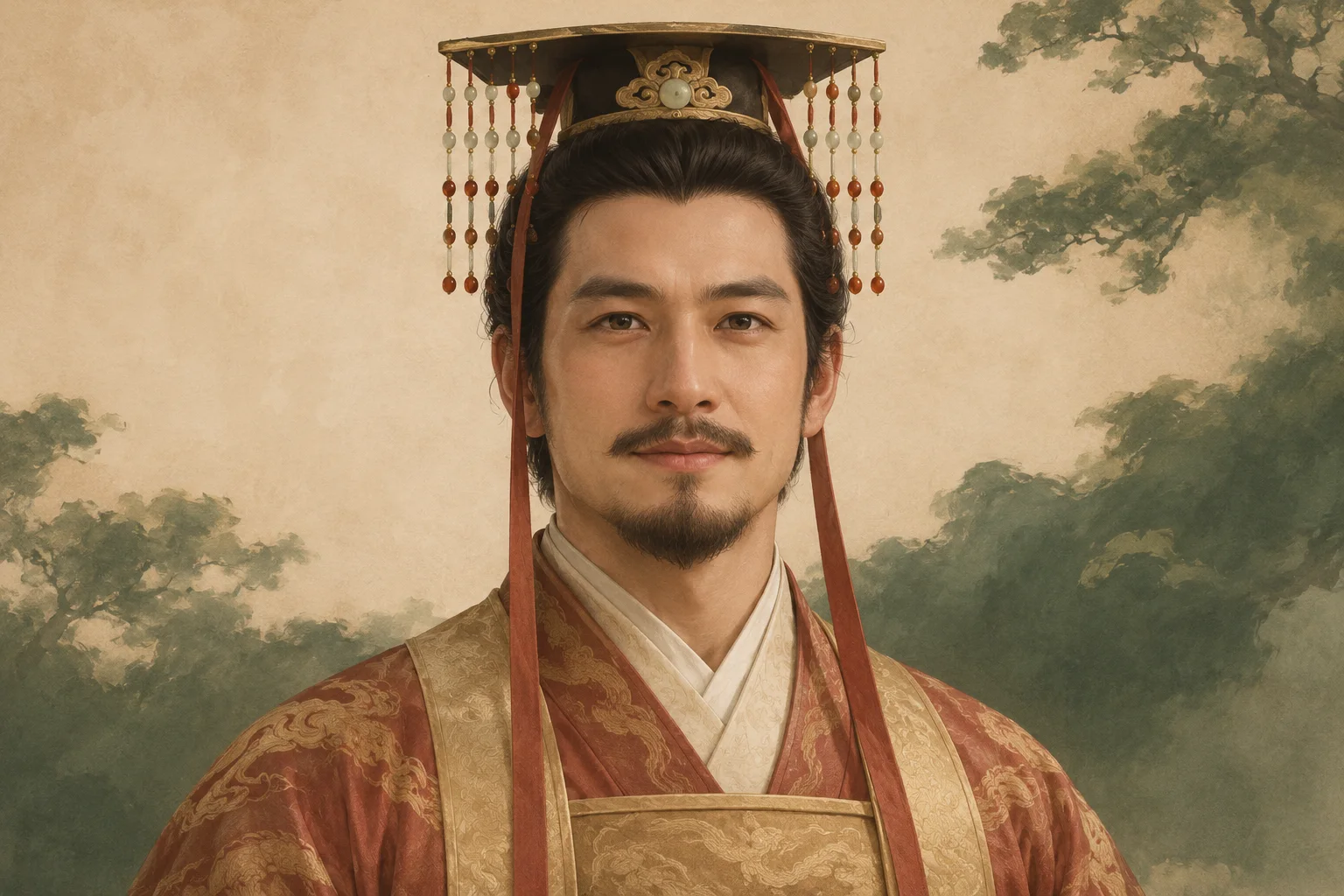
Put the face before the full outfit
A sweeping robe can look good at full size and disappear in a comment thread. Decide what someone should notice first: your expression, the outline of a crown, or a simple color pairing. A head-and-shoulders composition gives those details more room than a full-length portrait. You can keep the wider version for a post and prepare a separate crop for your avatar.
Try shrinking the preview to about 64 pixels wide. This is a suggested visual check, not a platform requirement or a measured recognition test. Can you still see the eyes and expression? Does the headwear merge with a dark background? If the scenery is more noticeable than the person, simplify the setting or tighten the composition before making another paid generation.
Choose a selfie and a look you can recognize
Use an unobstructed face in even light, with an expression you would want on your profile. An ordinary upper-body selfie can be a starting point; a full-body source is not necessary for this framing. Strong beauty filters, sunglasses and shadows across the eyes make it harder to compare the generated face with the person in your original. Everyone pictured must be an adult who has agreed to this use, and you must have permission to use the photo.
Browse the four available Tang-inspired looks before choosing. Qixiong Ruqun and Ruqun offer softer layered silhouettes; a close crop will show less of their skirt detail. Tang-inspired Empress and Mianfu-inspired Emperor emphasize headwear and ceremonial styling, which need extra space around the head. The Emperor look is the Tang collection’s male example; it is an artistic imperial style, not a collection of everyday historical menswear.
Six other periods each offer two additional outfits. A Tang-inspired avatar is a creative interpretation, not proof of ancestry, status or an exact historical reconstruction. Read the photo-processing information before uploading an identifiable portrait.
Ask for a square portrait with room around the crown
Select the outfit first and choose the 1:1 image ratio. Use the optional scene field for framing, pose, light and background. Asking for a different era or another garment in that field can work against the outfit you selected. A plain wall or a softly blurred courtyard leaves fewer details competing with the face.
For a profile-oriented composition, you could try:
A centered head-and-shoulders portrait against a quiet, softly blurred courtyard. Face the camera with a relaxed expression and soft, even daylight. Leave clear space above and beside the headwear for a circular avatar crop. Keep the selected outfit visible at the shoulders, with no text.
This is an untested scene suggestion, not a promised result. Check the model and displayed cost before submitting. The current model is Nano Banana Pro with 2K output, at a base rate of 50 credits per portrait before eligible plan discounts. Generation requires sign-in and paid credits; see current plans. For the complete upload and generation steps, use the historical portrait guide.
Check the circle before choosing your final crop
A square image has corners that a circular display hides. Keep the eyes, chin and important headwear away from the edges. A wide crown may need a looser crop than the face alone would suggest. Compare the square and circle using the same image, so you can see what the mask removes.
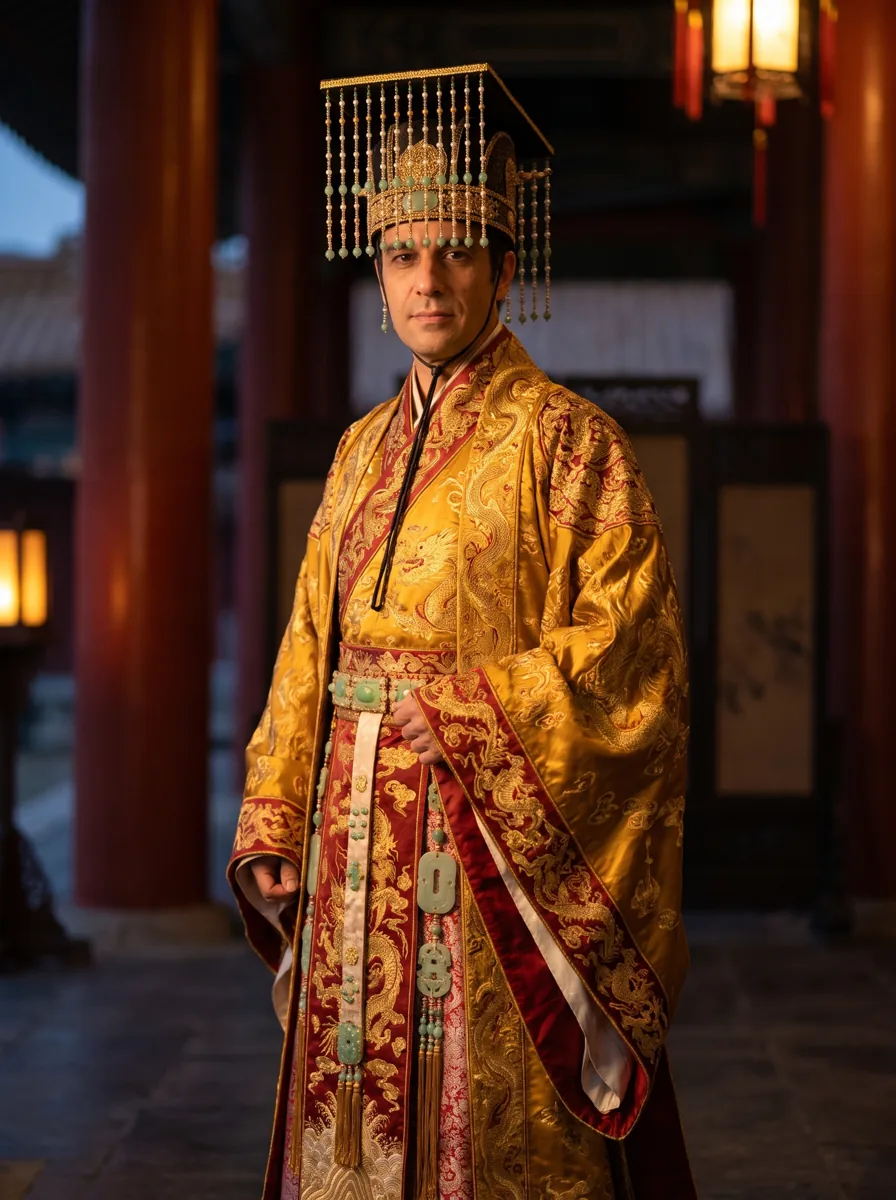
Square crop
Circular display
Download your result and use your chosen image editor or the destination platform to crop it. The previews above illustrate the framing check; they are not an in-product crop editor. Save the full-size original separately so you can adjust a crop without replacing it with a repeatedly compressed copy.
Fix the problem you can actually see
- The face looks unfamiliar: compare eyes, nose, mouth and expression with your source at a useful size. Try a clearer photo if features were obscured. A resemblance request does not guarantee the same identity.
- The face is too small: try a tighter crop first. If that leaves too little detail, request closer framing in another generation; enlarging a crop cannot restore missing facial detail.
- The crown is clipped: zoom out in your crop editor. If it was already cut off in the generated original, request more room above and beside the headwear.
- The avatar looks busy: use a quieter background and fewer scene elements. Recheck beads, hair, ears and collar edges for merged or uneven details.
Review at full size and at the size where people will see it. A small preview can hide a mistake that becomes obvious when someone opens the profile image. Change one thing at a time if you generate again; each generation can vary and uses credits.
Export for the platform, then check its preview
Keep a square master, then follow the destination platform's current upload requirements. For example, X's official profile-photo guidance recommends 400 × 400 pixels, sets a 2 MB file-size limit and supports JPEG, GIF and PNG. Those are X's requirements, not a universal avatar specification or HistoryOutfit's output dimensions. Export an accepted format in your editor if needed.
Use the site's actual profile preview to confirm the crop before saving. Describe the image as an AI-created Tang-inspired portrait when sharing its origin. It can express your interest in historical clothing without presenting the scene as a real photograph or the garment as an authenticated reconstruction.
Prepared by HistoryOutfit with AI writing assistance and editorial review. The cover is an AI-created editorial illustration. The crop examples reuse an existing documented development generation with a synthetic adult; no new likeness or recognition test was conducted. Platform guidance was checked on 14 November 2026. About HistoryOutfit.